Restaurant Onboarding and Training: Ditch the Paper Employee File
Ask any restaurant owner what keeps them up at night and you'll hear the same thing: finding good people, and then training them to do it your way. In Restaurant365's 2026 midyear survey of more than 420 restaurant operators, recruiting and retaining staff ranked as the top challenge of the first half of the year, at 32.9%, ahead of food costs at 29.7%. Whether you run a restaurant, a bar, a food truck, a coffee shop or a donut shop, how you onboard and train people is the part you control. Here's how to do it without a paper file in sight.
Paper employee files are archaic
If you still keep employee files in a folder in the office, you know the problem. The W-4 is in one place, the food handler card is somewhere else, and the application is in a box from two managers ago.
Think about how often you need something from an employee file: a phone number, an emergency contact, a start date, a copy of a certification, proof they were trained. With paper, someone has to go dig for it. With a digital employee file, you pull it up on your phone, photos and all, from wherever you are.
Onboard them from the interview table
You finish the interview, you like the person, and you hand them your phone or a tablet right there at the table. They fill out the new-hire form, and that form creates their employee file automatically.
No stack of paperwork to take home and forget to bring back. No manager typing it all in later. By the time they walk out the door, they're in your system. A welcome email can go out with your onboarding form and links to your handbook and policies, so they show up on day one knowing what to expect.
Assign training from your computer
Once they're in, you assign training videos from your laptop or computer. The employee gets an email with a link that already has their name filled in. They watch the video and take a short quiz.
Pass or fail, the result is stored in their employee file, the same way a signed training sheet would go in a paper file. You can see who's been trained on what, and who hasn't, without chasing anyone around with a binder.
Keep training videos short and specific
We recommend videos between 3 and 6 minutes long, one task per video. Short videos get watched. Long ones get skipped. And get detailed:
How to close out a tab
How to void a tab
How to lock the back door
How to fill up a mop bucket
How to slice sushi
How to stack beer kegs
None of these are glamorous. All of them are things a new hire gets wrong if nobody shows them, the same way every time.
Training is also about safety
A lot of restaurant work carries real risk: knives, fryers, wet floors, heavy kegs, chemicals. If someone gets hurt doing something they were never trained to do, that's a bad day for them and a bad position for you.
A training record shows who was trained on what, and when. It doesn't replace good managers or a safe kitchen, but it means you're not relying on "I'm pretty sure someone showed him." Ask your insurance agent what records they want you to keep.
Having training videos isn't the hard part. Getting them to people is.
Plenty of owners have training videos already, or could shoot them on a phone. The hard part is getting the right video to the right person and knowing they watched it. Here's what usually happens:
The videos live in someone's Google Drive. Who owns that Drive? Who has permission? Half your staff can't open the link.
They're on a manager's phone. The manager leaves, and so do the videos.
They're unlisted YouTube links in a group text that scrolled away months ago.
Nobody knows who watched what.
If you're weighing an app to fix that, here's how the restaurant training apps compare on price.
Your training should stay with your business
Your systems shouldn't leave with your manager. When the GM who built your training program walks out, you shouldn't lose the program with them.
Your employee files, training videos, quizzes and records should belong to the restaurant, the bar or the food truck, not to any one person. When someone new takes over, it's all still there, and the standard doesn't change.
The same goes for your opening and closing checklists.
How the ServSheets Pro Onboarding & Training System does it
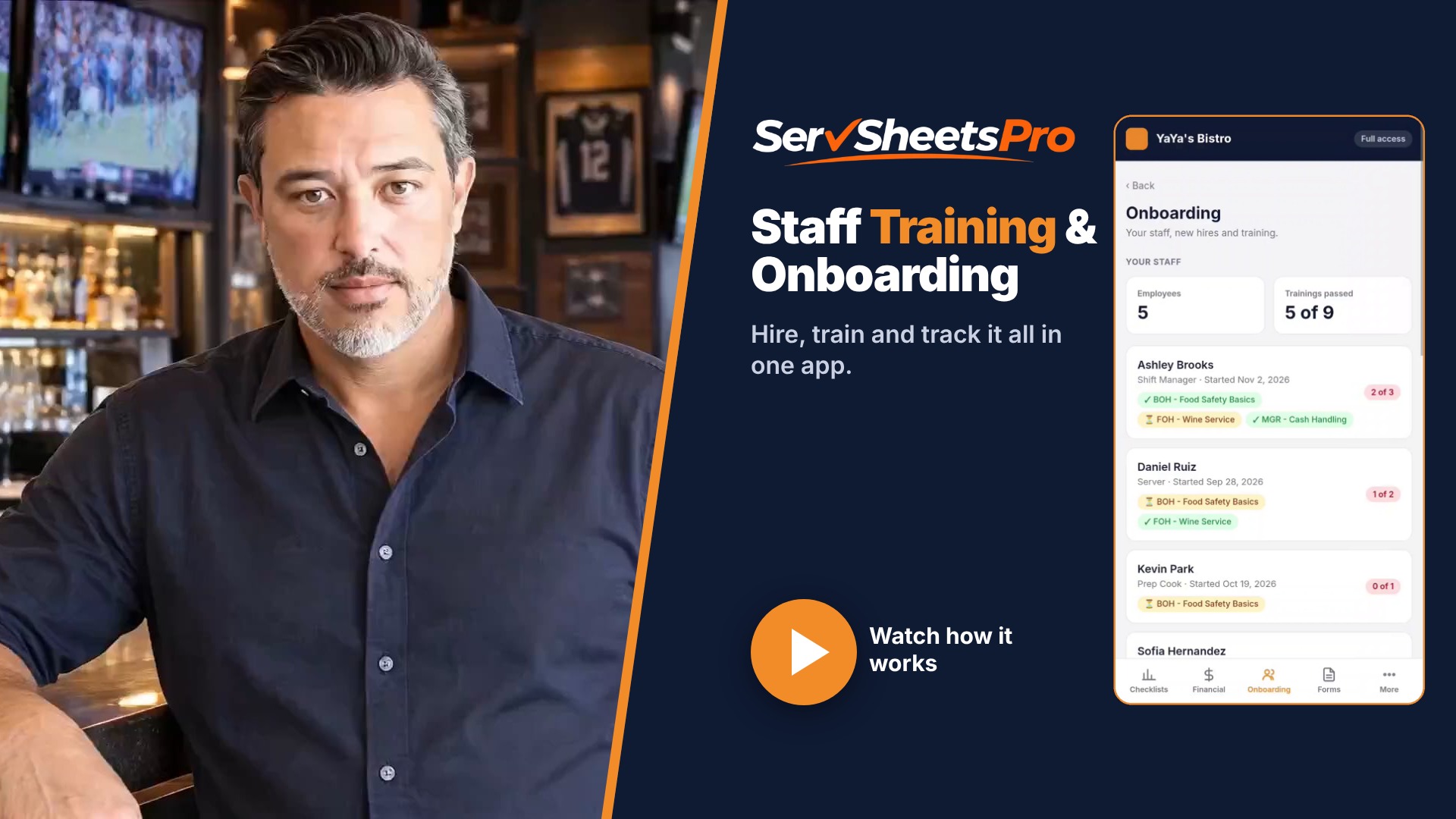
Digital employee files. The new-hire form creates the file. Add documents and look everything up from your phone.
Onboarding from any phone or tablet. Start it at the interview table.
Training videos sent by email. Assign them from your computer. The employee watches, takes the quiz, and the pass or fail goes in their file.
It belongs to your business. Everything lives in your own Google account, not a manager's.
One-time price. $149, or $297 with the Checklist and Food Cost systems. No monthly fees, and we set it up for you.
Don't have training videos yet? We make them. See custom training videos.
Frequently asked questions
What should be in a restaurant employee file? Contact information, emergency contact, start date, position, tax forms, copies of required certifications like a food handler card, and a record of their training. Check your state's rules for what you're required to keep and for how long.
Can new hires do onboarding on their phone? Yes. The new-hire form works on any phone or tablet.
How long should restaurant training videos be? 3 to 6 minutes, one task per video.
What happens to our training when a manager quits? Nothing. The files, videos and records belong to your business, not the manager.
Want to see it? The ServSheets Pro Onboarding & Training System is $149 one-time, set up for you. See how the Onboarding & Training System works →
Survey figures from Restaurant365's 2026 State of the Restaurant Industry Midyear Report.
