Restaurant Checklists: Why You Need Them and How to Make Them Stick
Restaurant checklists aren't about getting chores done. Whether you run a restaurant, a bar, a food truck, a coffee shop or a donut shop, they're how you get a life outside of it. You set your checklists up once, as detailed as you want, and they run every shift whether you're there or not. You know what got done, what didn't, and who was responsible. Here's why every restaurant needs them, how to make them stick, and what to put on them.
Why do restaurant checklists stop working?
I ran bars and restaurants for 15 years, and I've seen every version of the checklist. The laminated one on the walk-in door. The clipboard nobody signs. The group text at 1 a.m. that says "all good."
They fail for three reasons:
They're one giant list. A 60-item list gets skimmed. People check the whole column at once.
There's no proof. "Done" means "I think I did it."
The standard depends on who's working. Your best closer leaves, and the standard leaves with them.
The fix isn't a shorter list. It's a more detailed one, split up by role, with proof on the items that matter most to you.
You don't need to be there. You need to be aware.
That's the whole idea. You don't need to be standing in your restaurant every night to know it's running the way you want. You need to know what got done, what didn't, and who was responsible. That's what a good checklist system gives you, and that's how you own your restaurant instead of it owning you.
Checklists are about accountability, not remedial tasks. They set the expectation, and they show you when it isn't met.
Just took over a place? Here's what to set up on day one.
Daily, weekly and monthly checklists
You can have as many checklists as you want, on whatever schedule fits:
Daily: opening, prep, side work, closing, cooler checks, restroom checks.
Weekly: deep cleans, hood filters, payroll processed on its day.
Monthly: month-end accounting closeout, cash accounted for and the safe count, monthly inventory, employee reviews, employee birthdays.
Every one of them shows up in the same morning email when it doesn't get done.
How do you make sure your checklists actually get done?
Be detailed. Don't write "clean the kitchen." Write every task the way you want it done: portion the French fries, check the cooler temps, wrap the napkins, take a photo of the restroom. One task per line. Set it up once, and it's the standard every shift.
Split it up. Give each role its own list: front of house, bar, kitchen, dish. Many specific lists beat one giant one.
Require a photo on the items you care about most. You don't need a photo of every wiped table. You want one of the restroom, the cooler temperature log, the locked liquor storage and the clean fryer.
Give your managers their own checklists. Checking everyone else's list is on it.
Look at it every morning. If nobody ever checks the checklist, your staff will figure that out within a week. With ServSheets Pro, you get an email every morning showing what didn't get done, and by who.
What do you do when something wasn't done?
You walk in and something clearly wasn't done. First, check: was it checked off? If it wasn't on your morning email, someone marked it done. If it clearly wasn't done, or wasn't done to your standard, you have three choices:
Correct the employee who was responsible for it.
Correct the manager who was responsible for checking it.
Update the checklist so the task is clearer next time.
Either way, you're not guessing. You know exactly who had it and what the standard was.
Let your checklists do the leading
You don't need to reprimand your staff or rule with an iron fist. The expectation is written down, and everyone sees the same standard. When something slips, you point to the checklist. It's not personal. It's the system.
Let your systems do the talking.
Example: a restaurant closing checklist
Here's what a detailed closing checklist looks like, split by station.
Front of house
Wipe and sanitize all tables, chairs and booths
Roll silverware and wrap napkins for tomorrow
Restock condiments and to-go supplies
Clean and restock the host stand
Sweep and mop the dining room
Empty trash and replace liners
Clean and restock the restrooms, then take a photo
Turn off TVs, music and dining room lights
Bar
Clean and sanitize the bar top, wells and speed rails
Cover or put away fruit and garnishes
Clean the soda gun nozzles and soak them
Restock beer, wine, liquor and mixers for tomorrow's open
Wash and put away all glassware
Run the bar's cash report and secure the drawer
Lock liquor storage
Kitchen and line
Label, date and store all prep
Portion tomorrow's French fries and proteins to your specs
Break down and clean the line, flat top, fryers and grill
Check walk-in and reach-in cooler temperatures and record them
Turn off equipment that should be off; confirm what stays on
Sweep and mop under the line, not around it
Take out trash and break down boxes
Dish
Run and empty the dish machine
Clean the dish pit and drains
Put away all clean dishes and pans
Empty and clean the sanitizer buckets
Manager's final walk
Count and secure the cash; drop the deposit
Review sales and comps for the night
Walk every station and spot-check everyone's checklist
Confirm all doors locked and the alarm set
Confirm lights, gas and equipment are off where they should be
Paper or phone?
Paper works if a manager checks it every single night and files it. Most don't. Paper also can't tell you who skipped the cooler temps three Tuesdays in a row.
A phone-based checklist gives you a timestamp, a name and a photo for each item, and you can check it from anywhere. The standard stops depending on who's working.
Comparing apps? Here's how Connecteam, Jolt and ServSheets Pro compare on checklists.
Frequently asked questions
Why does a restaurant need checklists? So the standard doesn't depend on who's working or whether you're there. Checklists set the expectation, and a good system shows you when it isn't met.
How detailed should a restaurant checklist be? As detailed as it needs to be, split by role: front of house, bar, kitchen, dish and manager. Several specific lists beat one long one.
Can I have weekly and monthly checklists too? Yes. Deep cleans, payroll, month-end closeouts, inventory and employee reviews all work as checklists on their own schedule.
Who should check the checklists? Your managers, with their own checklist for it. The owner or GM should review what didn't get done every morning.
Do checklists work for food trucks, coffee shops and donut shops? Yes. Any place with an opening, a close and cleaning to do can run on checklists. A food truck might need a pre-service and a shutdown list. A coffee shop or donut shop might need an early-morning open, a mid-day restock and a close.
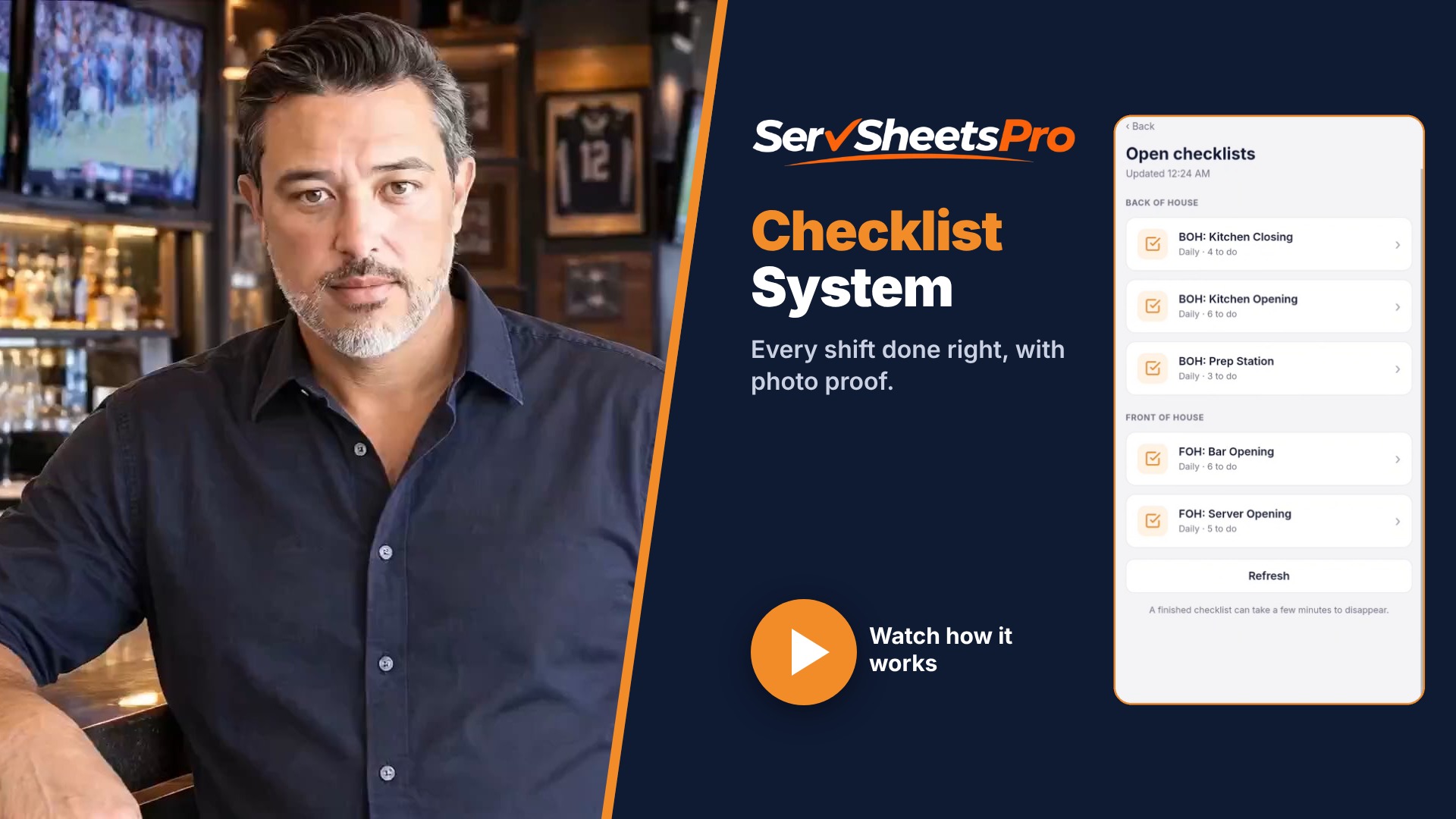
Want to try it? The ServSheets Pro Checklist System puts your checklists on your staff's phones, with photo proof, manager checklists and an email every morning showing what didn't get done. I'll set it up for you. See how the Checklist System works, or start your free 7-day trial →
